A stage monitor, or wedge, is a speaker that points back at the performers so they can hear themselves, and each separate blend of sound sent to monitors is called a mix. The number of mixes you need depends on how many performers need to hear something different, not on the number of wedges.
This guide explains how to count the mixes for a band, a worship team or a presentation stage, how to choose between passive and active wedges and in-ear monitors, and what the mixer and amplifiers must provide, for stages, auditoriums and venues in Dubai, Abu Dhabi and across the UAE.
Step 1: count the mixes, not the wedges
A mix is one monitor blend from a mixer output, called an aux send or a bus. Several wedges can share one mix, and one performer can have one mix to themselves. Group performers who need a similar blend, and give a separate mix to anyone who needs a different one.
| Stage | Typical mixes | How to split them |
|---|---|---|
| Speaker or presenter on a panel | 1 | One wedge or confidence monitor that carries the room feed or the other panel voices |
| Solo singer-songwriter or duo | 1 | One mix shared by both performers |
| Small band (vocals, guitar, bass, drums) | 3 | Vocals, guitar and bass, and a drum mix |
| Worship team | 3 or 4 | Worship leader, vocals, band and drums, with a choir mix if there is a choir |
| Large band or corporate show | 4 to 8 | One mix per section, and in-ear packs for performers who need full control |
These are starting points. The final number depends on how much each person asks to hear.
Step 2: check what the mixer and amplifiers must provide
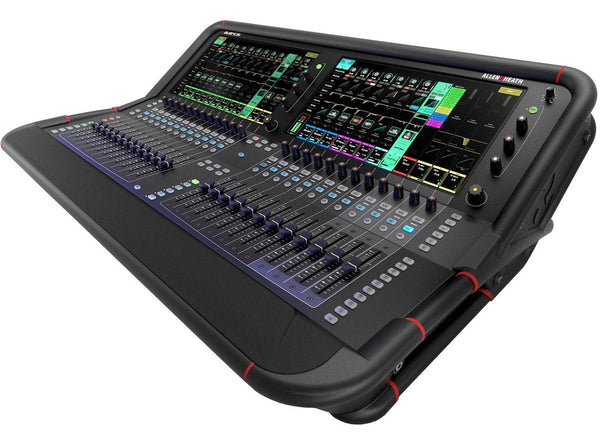
- Mixer outputs: you need one aux send or bus for each mix. The Allen & Heath SQ-5 has 36 busses and the Allen & Heath Avantis has 42 configurable busses, and they can be used as monitor mixes. Browse mixers and Allen & Heath digital mixers.
- Amplifier channels: a passive wedge needs one amplifier channel per mix, or per wedge if the wedges run on separate circuits. Active wedges have the amplifier built in. The Dynacord TGX10 is a four-channel amplifier with 4 x 2500 W, which covers four passive mixes.
- Equalisation: each mix needs its own EQ so you can control feedback separately.
Step 3: choose the wedge
Passive wedges
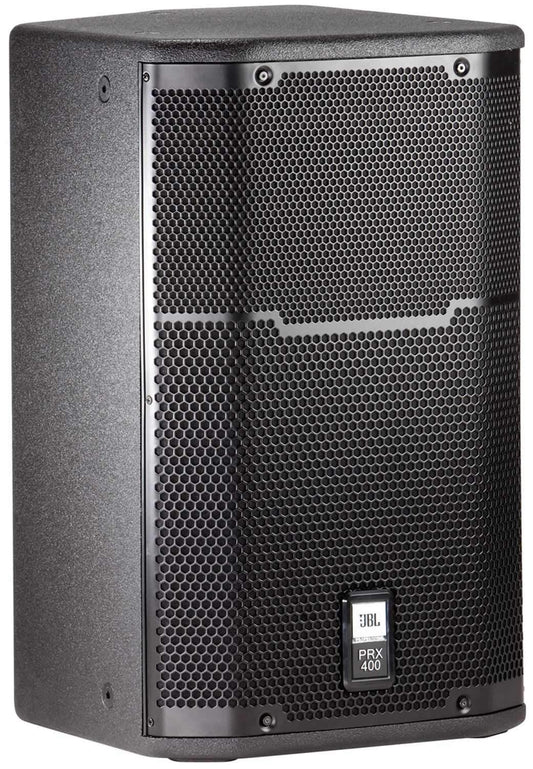
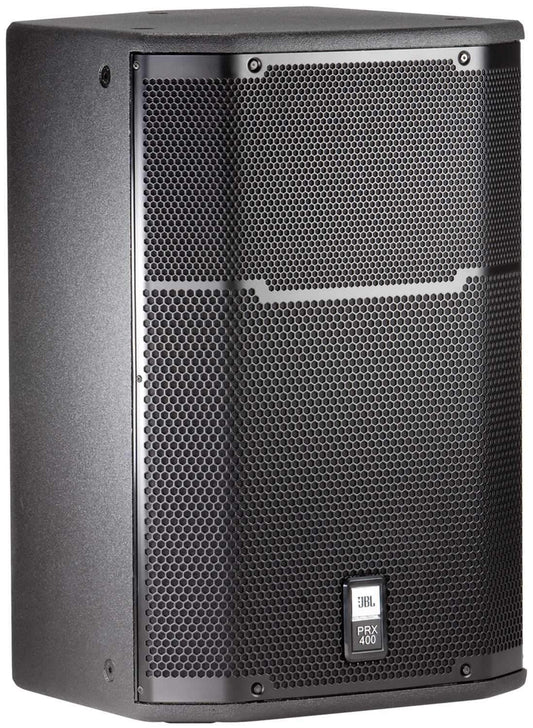
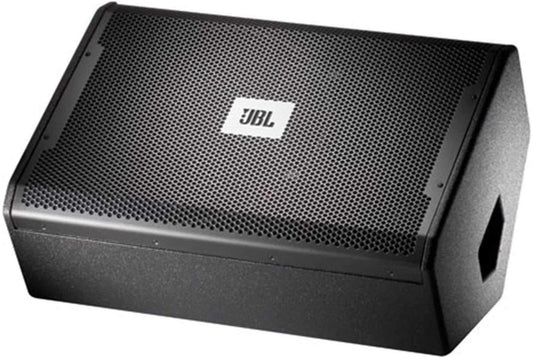
Passive wedges are lighter and need a separate amplifier, which stays at the side of the stage or in a rack. The JBL PRX412M is a 12 inch two-way monitor with a 50 Hz to 20 kHz range, 126 dB peak output and 90 x 50 degree coverage. The JBL PRX415M is the 15 inch version with a 55 Hz to 19 kHz range and 129 dB peak output, and the JBL VRX915M is a 15 inch two-way monitor rated at 127 dB continuous and 133 dB peak. The Community MX10 is a compact 10 inch coaxial monitor with 200 W power handling and an 8 ohm nominal impedance, weighing 10 kg.


Active wedges
Active wedges carry their own amplifier, so you only run a signal cable and power to the stage. The Electro-Voice PXM 12MP is a 12 inch powered coaxial monitor with 700 W of onboard amplification and 129 dB maximum output. The dBTechnologies FMX12 is a 12 inch active coaxial monitor with 600 W RMS Class-D amplification, 128 dB maximum output and a reversible dispersion pattern. The smaller dBTechnologies FMX10 has a 10 inch woofer and 125 dB maximum output, and weighs 11.3 kg.


Touring-grade monitors
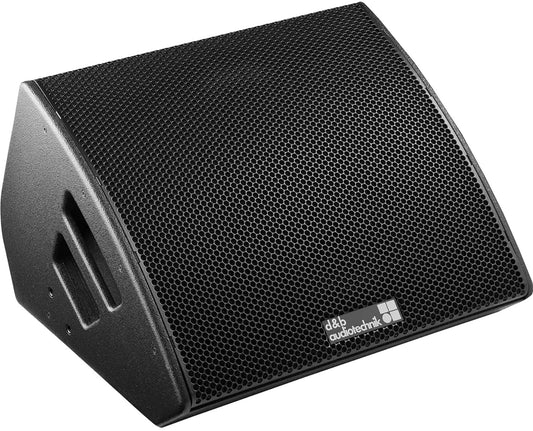
For large stages and installed theatre rigs, the d&b audiotechnik M4 and MAX2 are the high-performance options. The M4 uses a 15 inch low-frequency driver with a coaxial 1.3 inch horn-loaded high-frequency driver and 50 x 70 degree constant directivity, and the MAX2 is a passive 15 inch two-way monitor with 75 degree conical directivity and a low-profile cabinet. See the d&b audiotechnik range.


Step 4: consider in-ear monitors
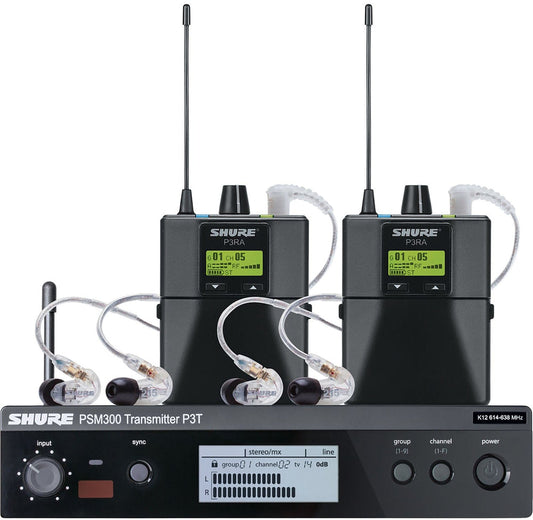
In-ear monitors send the mix directly to the performer, which removes the wedge from the stage. According to Shure, a personal monitor gives improved clarity and less feedback onstage than a traditional speaker wedge. The Shure PSM 300 Twin Pack Pro is a metal-bodied system for up to two performers, supplied with SE215 sound-isolating earphones. The Shure P9HW is a wired PSM 900 bodypack with a two-channel stereo mix, individual mix controls and a two-input MixMode design.
Each in-ear pack needs its own mix, so a monitor system with six in-ear performers uses six mixes. Wireless in-ear systems also need frequency planning, like wireless microphones. See our wireless microphone guide.


Placement and feedback
- Point the wedge at the performer: aim it at the ears of a standing singer, and angle it to avoid the microphone.
- Keep microphones in the wedge null: a cardioid microphone rejects sound from behind it, so the wedge sits behind the microphone.
- Use the right coverage: a narrow pattern, such as 50 x 70 degrees on the d&b M4, keeps sound off the open microphones nearby.
- Do not turn it up to cover the room: monitors are for the stage, and the main speakers cover the audience. See our guide to passive and active speakers.
Common mistakes to avoid
- Counting wedges instead of mixes: two wedges can share one mix, and one mix can need its own amplifier channel.
- Too few mixer busses: check the mixer for enough aux sends before you plan the stage.
- No EQ per mix: without a separate EQ, feedback in one wedge forces cuts in all of them.
- Wedges too loud: high stage volume leaks into the audience microphones.
- Wrong amplifier pairing for passive wedges: match the amplifier power and impedance to the wedge.
- Running a long cable to a powered wedge without a plan: every active wedge needs a power point as well as signal.
Key terms explained
- Wedge: a stage monitor shaped to sit on the floor and angle up toward the performer.
- Mix: one monitor blend sent from a mixer aux send or bus.
- Aux send: a mixer output that sends a chosen blend of channels to the monitors.
- Coaxial: a design with the high-frequency driver centred inside the low-frequency driver.
- In-ear monitor (IEM): earphones that carry a personal monitor mix.
- Feedback: the howl that happens when a microphone picks up its own speaker output.
Get the right monitoring for your stage
CorporateAV.ae is an authorised dealer of JBL, Electro-Voice, d&b audiotechnik, Community, dBTechnologies and Shure in the UAE. Browse stage monitors and wedges, Community loudspeakers and dBTechnologies loudspeakers, or send us the stage plan and the line-up and we will recommend and quote the system.